
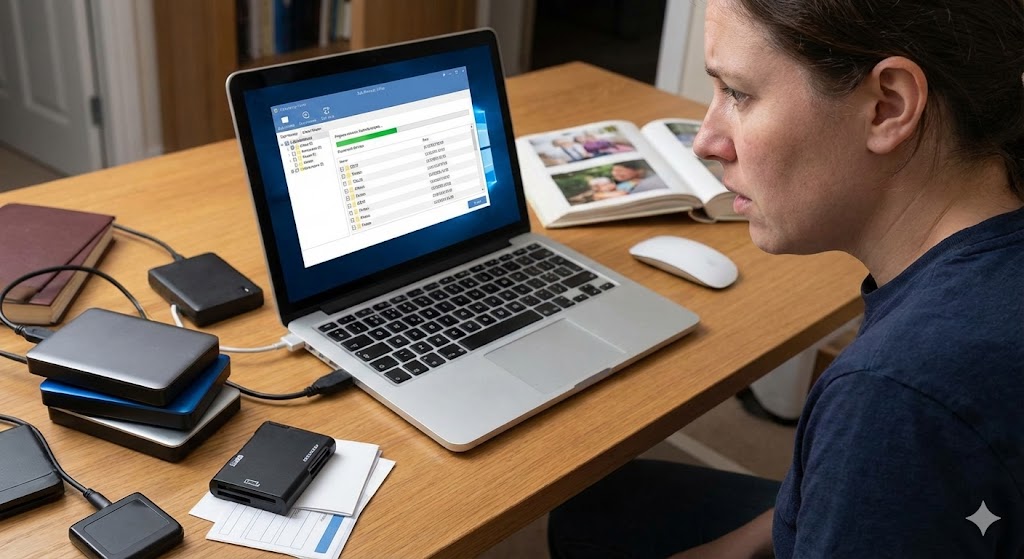
How to Recover Deleted Photos (Android + iPhone)
Accidentally deleting photos can feel devastating, but the good news is that both Android and iPhone devices offer multiple ways to restore them. Whether you rely on built-in features or cloud backups, here’s a step-by-step guide to help you recover your precious memories.
1️⃣ Check the Recently Deleted Folder
- iPhone:
- Open the Photos app → Albums → Recently Deleted.
- Select the photos you want to restore and tap Recover.
- Photos remain here for 30 days before being permanently deleted.
- Android (Gallery/Photos app):
- Many Android devices also have a Recently Deleted/Trash folder.
- Open your gallery app → look for Trash/Recently Deleted → restore items within the given time frame (usually 30 days).
2️⃣ Restore from Google Photos
- Open the Google Photos app.
- Tap Library → Bin/Trash.
- Select the photos you want to recover and tap Restore.
- Restored photos will reappear in your main library and albums.
3️⃣ Recover via iCloud (iPhone)
- Visit iCloud.com and log in with your Apple ID.
- Go to Photos → Recently Deleted.
- Select the photos and click Recover.
- This works even if your phone is unavailable, as long as iCloud sync was enabled.
4️⃣ Use Trusted Third-Party Recovery Apps
- If the above methods don’t work, you can try recovery apps.
- Popular options include DiskDigger (Android) or Dr.Fone (iPhone).
- ⚠️ Important: Only use well-reviewed and trusted apps to avoid privacy risks or malware.
Final Tips
- Act quickly: the sooner you try to recover, the higher the chances of success.
- Enable cloud backups (Google Photos, iCloud) to prevent future losses.
- Regularly back up your photos to external storage or your computer.